# Traefik
Let's start this whole thing with Traefik.
Traefik does a lot of stuff, but in our case, it's a gonna be a reverse proxy. All of your containers will sit behind it and Traefik will forward traffic to the correct container, based on some simple rules in the Traefik configuration.
Also, Traefik will use LetsEncrypt to mint ***real*** certificates for all your services. They will auto-renew every 30 days. How good is that?
Traefik itself is a container. So, here's a docker-compose for it:
```yaml
services:
traefik:
image: traefik:latest
container_name: traefik
restart: unless-stopped
security_opt:
- no-new-privileges:true
networks:
- traefik_proxy
ports:
- "80:80" # The HTTP entrypoint
- "443:443" # The HTTPS entrypoint
- "8080:8080" # Optional: Traefik Dashboard (for monitoring and debugging)
volumes:
- /etc/localtime:/etc/localtime:ro
- /var/run/docker.sock:/var/run/docker.sock:ro # So Traefik can listen to Docker events
- ./traefik.yml:/etc/traefik/traefik.yml:ro # Traefik's static configuration
- ./acme.json:/acme.json # To store Let's Encrypt certificates (chmod 600 acme.json)
- ./dynamic_configs:/etc/traefik/dynamic_configs:ro
networks:
traefik_proxy:
external: true
```
Before you start this container, you need to create the traefik\_proxy network:
docker network create traefik\_proxy
of note is the docker.sock line in this file, line 16. This is allowing the Traefik app to read information about what the docker daemon is doing, and therefore, read data about the containers that are running on your server. We will be using Labels on the containers to tell Traefik what to do. Simples.
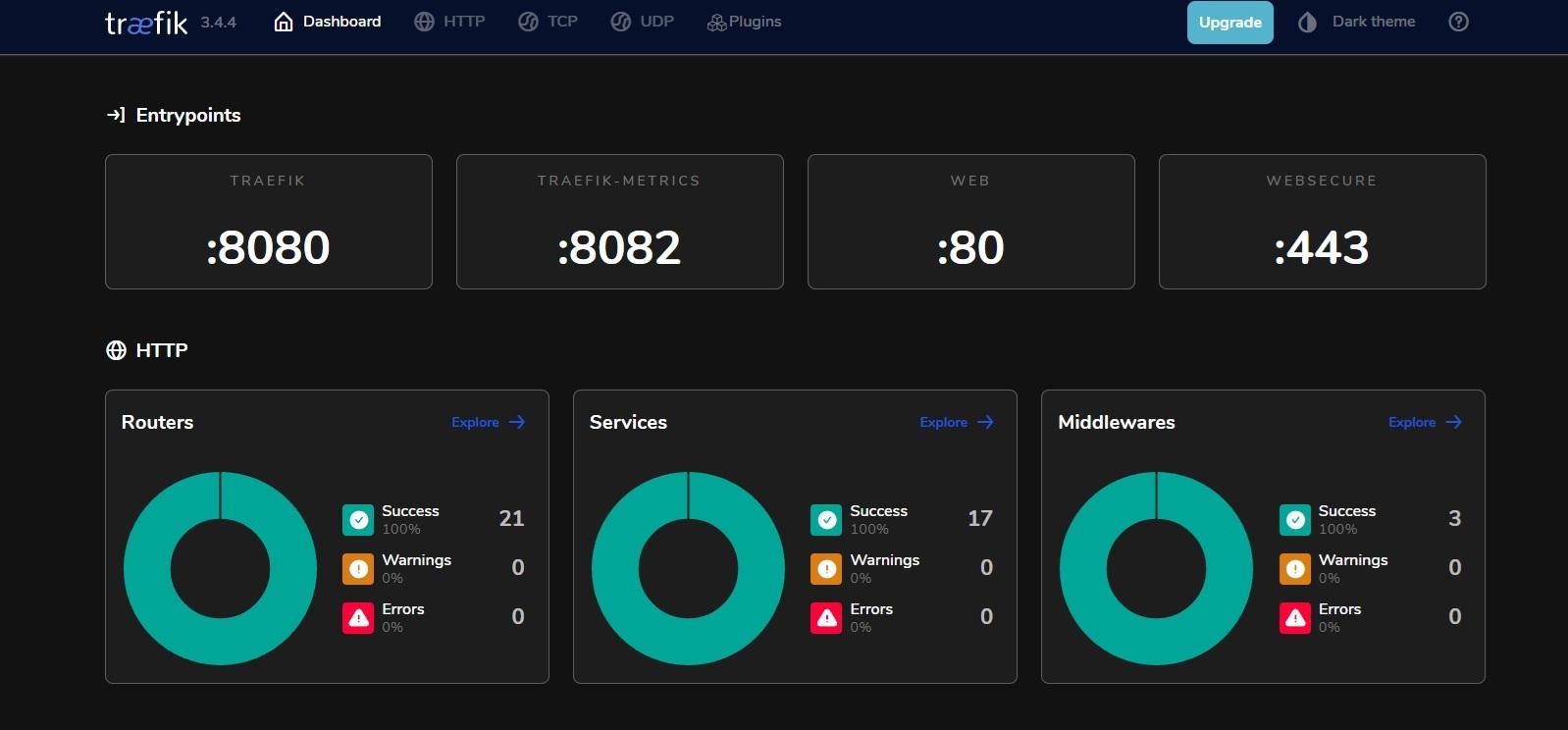
There's another port open on this container for 8080. It provides a useful dashboard to show you the running config of Traefik.
[](https://bookstack.fertle.com/uploads/images/gallery/2025-07/oVZtraefik.jpg)
The bit you're most interested in is the Routers pane. You can see on my system there are 20 of them. Essentially one for every service I have behind Traefik.